
Podcasts, interviews and video.
The room was noisy, or your guest called in on a phone. Clean it up, in a sound file or under a video.
Clean up podcast audio SOLIPSIUMAlpha
Bring a podcast, a video, a call or a voice memo. Solipsium will tell you what's wrong before it changes a thing.
Free for a limited time. No card.
Drop a recording here
It stays on your device until you ask for a repair.
MP3, WAV, M4A, MP4 and more.
Make a free account, then drop the same file into the editor to repair all of it.
Make a free account, then drop the same file into the editor to repair all of it.
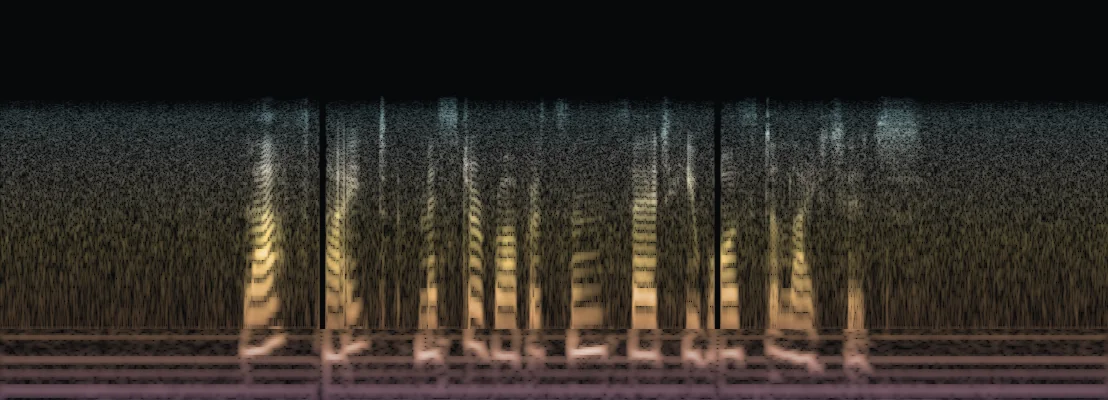
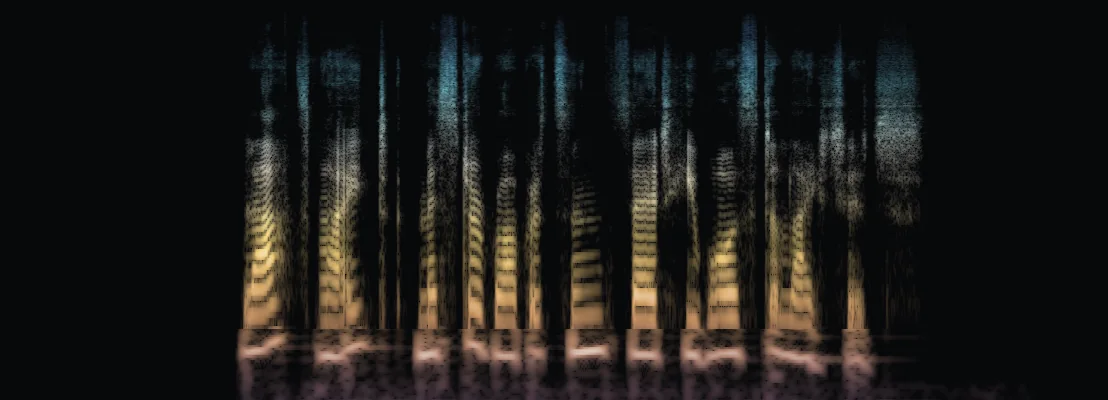
Press play, then switch versions while it runs.
How it works
One button, Suggested repair, runs all four steps.
1 Listens
You see each problem and where it is. Nothing has changed yet.
2 Repairs
Each one gets the repair that scored highest on that kind of damage in our tests, or gets left alone.
3 Labels
A filled gap is marked estimated. Rebuilt treble, inferred.
4 Returns
With a list of every change and its time. Your original is kept too.
Or do it by hand. In the editor you pick the seconds that need work, then hear the repair against the original before you keep it.
Repair
Blend 65%
Alternatives
Preview 48 kHz
Project library
Kept repairs
A drawing of the editor. The Blend slider sets how much of the repair you keep.
What it fixes
Suggested repair picks from these, going by what the check found. In the editor, you pick.
Swipe sideways to see all three.
A speech model lowers the noise around the voice and keeps the voice's full range. Echo has its own reducer, which takes a long recording about 20 seconds at a time.
Solipsium finds mains hum at 50 or 60 Hz and its harmonics, then notches it out in bands a few hertz wide.
Flattened peaks are partly raised back from the undamaged samples around them. Sharp-edged gaps of digital silence up to 100 ms are filled from both sides as estimates. No other web service page we read on October 3, 2026, names automatic dropout filling.
Measured
We measured Suggested repair on 1,344 damaged speech recordings Solipsium had never been tuned on.
90%
came out better, against 51.8% for our strongest single tool, run on every recording
3.1%
made worse, against 46.4% for that one tool
This is real speech with damage we added, scored by a formula. Listeners haven't rated it. We haven't measured music this way, and Suggested repair has changed since September 29.
How it compares with other toolsWho it's for
Pick the one closest to your recording.
The room was noisy, or your guest called in on a phone. Clean it up, in a sound file or under a video.
Clean up podcast audioA lost packet can leave a short gap of dead silence in a call. Solipsium fills those gaps, up to 100 ms each. It also turns down the fan behind a meeting.
Clean up a meeting recordingLocation noise and hum on your production sound? Repair them here. Every change is listed by its time.
Solipsium for filmRepair just the seconds you can't make out in a saved voicemail or a tape transfer. The rest stays as it was.
Voicemails and old tapesFor business
Agencies, transfer shops and archives can start a pilot now. You get delivery checks, repairs you compare in your browser, and a report for each file. Pilots cost nothing during the alpha. The API isn't open yet. If you make laptops or PCs and want repair on the device, tell us what it would take.
Our models
Our own models, each built for one kind of damage and measured before it touches your recording. The first is in the editor now.
Prism-PLC is for dropouts, the moments a call or a damaged file loses its sound. PLC stands for packet loss concealment.
Prism-PLC is in the editor now: an experiment members tick on per repair, built for speech. In an October 6 test, 75 of 80 recordings with dropouts measured better and none worse. On music it did worse than plain gap filling on 2 of 24 test clips. Next: a model for muffled speech.
A Prism model reaches the site only after it beats what it replaces on recordings it was not tuned on.
WAV, FLAC, MP3, OGG, M4A, MP4, MOV, MKV and WebM, plus phone voicemails and voice memos in AMR, 3GP, AAC, Opus or WMA, up to 1 GB and 30 minutes in the editor. The check on this page reads up to five minutes. A project works on one audio track; you can pick a different track when you import.
Our strongest single tool, Full-band speech cleanup, made 46.4% of the 1,344 damaged test recordings worse when it ran on all of them (scored by formula). So Suggested repair checks first and runs only the repairs that scored highest for that kind of damage. What no repair improves is left alone, and you see every change before you keep it. We have not tested other products' one-click tools.
No. The tools lower or remove sound, partly rebuild clipped peaks, notch out hum and fill short gaps, and none of them writes new words. A filled gap is labelled as estimated sound and rebuilt treble as inferred sound. A list called What changed points to moments where a repair added sound in a quiet place or removed loud sound, up to twelve of each, so you can listen there before you keep it.
It repairs the audio while you watch the picture in sync. A video export keeps the original picture with your repaired audio track and leaves out any other audio tracks and subtitles.
Not to try it. Drop a recording on this page: the check runs in your browser, and you can hear 20 seconds of it repaired without an account. To repair a whole recording and keep your repairs, make a free account. Your recordings, saved repairs and downloads are private to your account.
The quick check on this page stays in your browser. Repair the first 20 seconds sends those 20 seconds to the server, or the whole file, up to 25 MB, when your browser cannot open it or it runs over five minutes. The upload is deleted at once, and the 20 seconds and their repair within an hour; a try is never used for anything else. Files you import into the editor are uploaded to Solipsium's server and restricted to your account. Solipsium does not train models on your recordings. The privacy notice explains hosting, optional cloud processing, usage analytics and the limits on deletion. Keep your own originals, and upload only media you have permission to process.
Make a free account and drop it in.
Nothing to install.